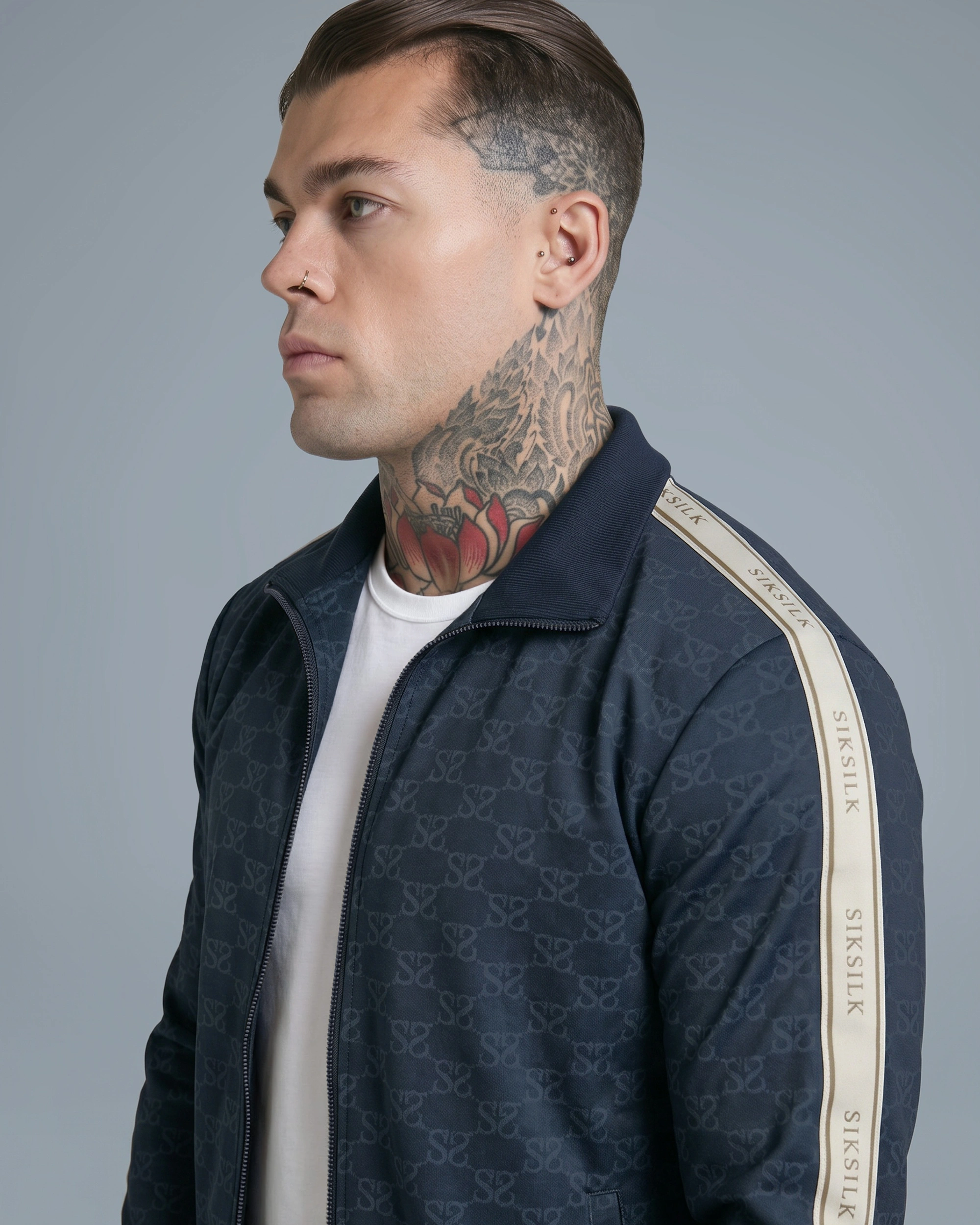
Book your demo today.
Apply to be a mannequin.
From guided garment capture to approved imagery, in days, not weeks.
Dazzl connects capture, look setup, generation, human QA, approval and delivery in one controlled flow. Fewer bookings, handoffs and production gaps help new products reach market faster.
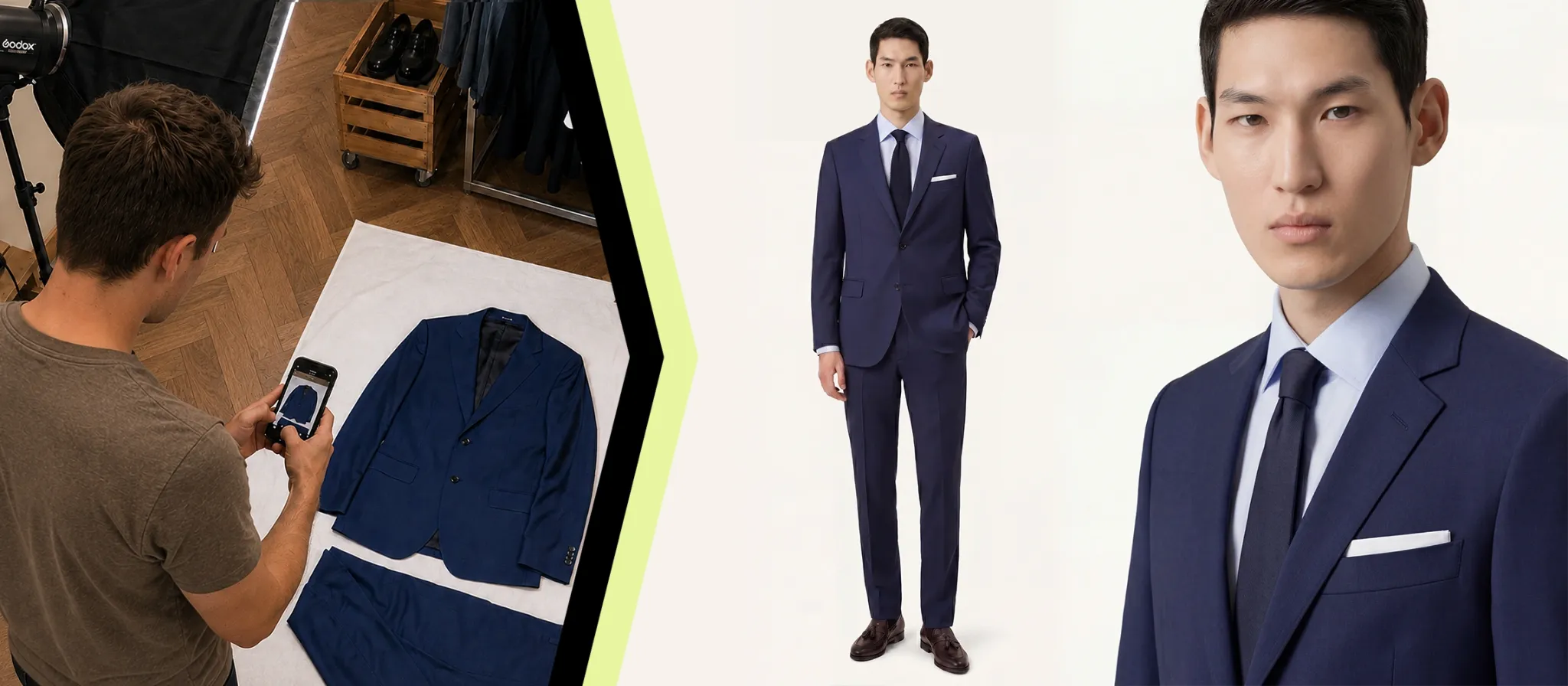
once look-ready
the whole process
for SikSilk
produced
The delay is not only the shoot. It is the chain around it.
Traditional production moves through bookings, sample logistics, shoot dates, retouching, approval and file preparation. Dazzl brings those stages into one connected workflow, removing many of the waits between them.
Capture the garment once. Keep production moving.
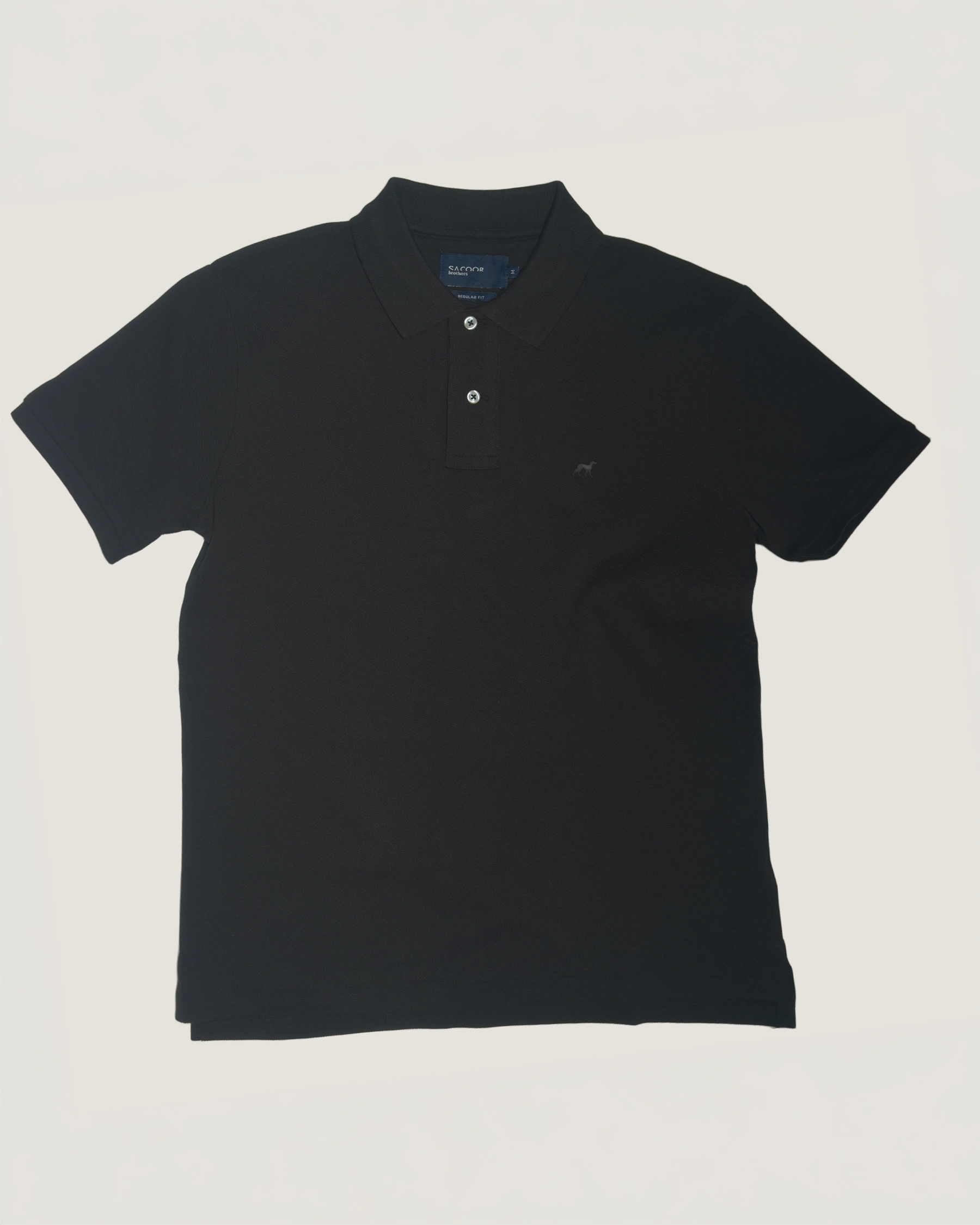 Guided source
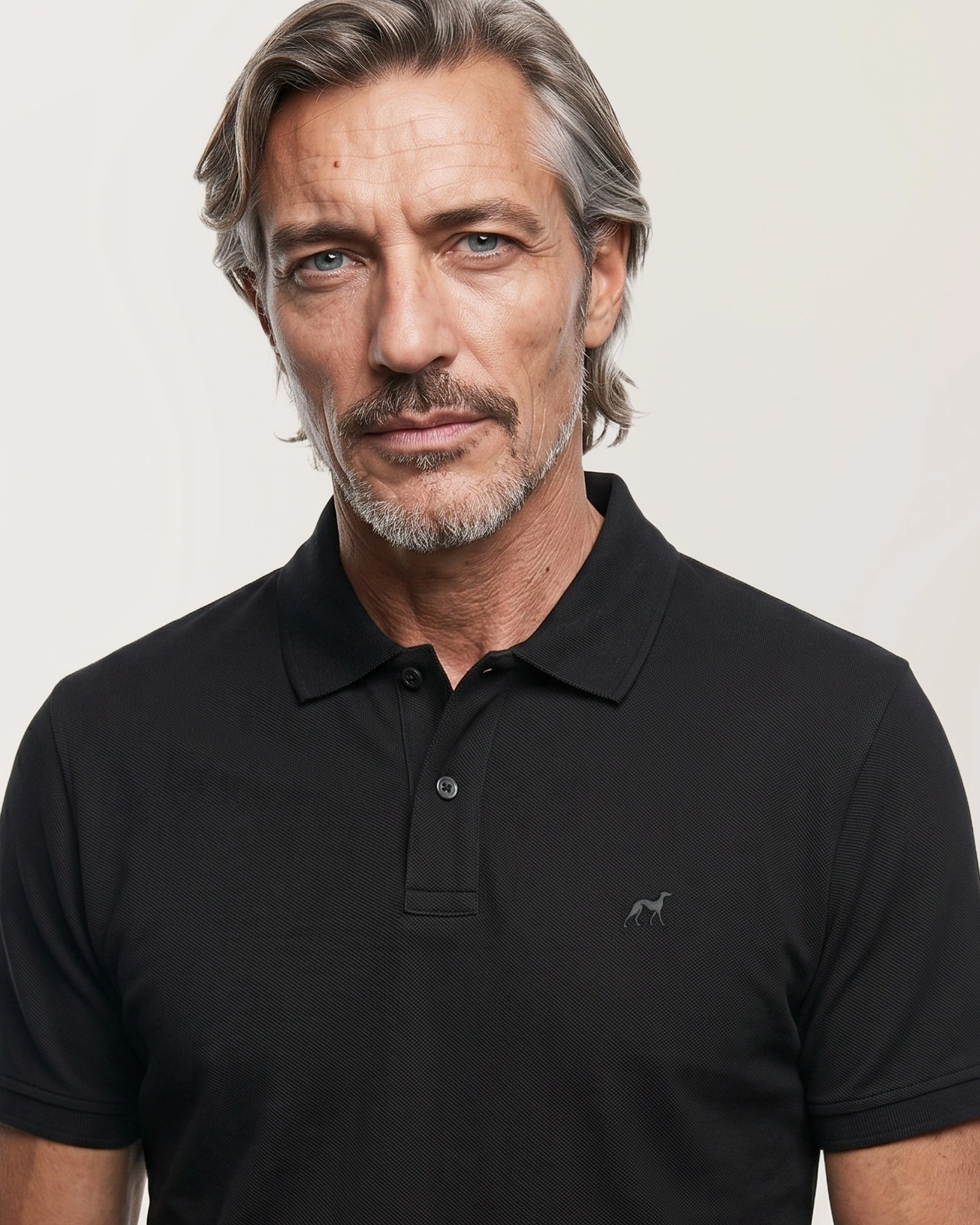 Approved output
Capture. Configure. Produce. Approve.
One person on your team can run the workflow: capture garments, create looks and approve results. Dazzl handles generation, QA and corrections behind the scenes, then prepares approved files for delivery.
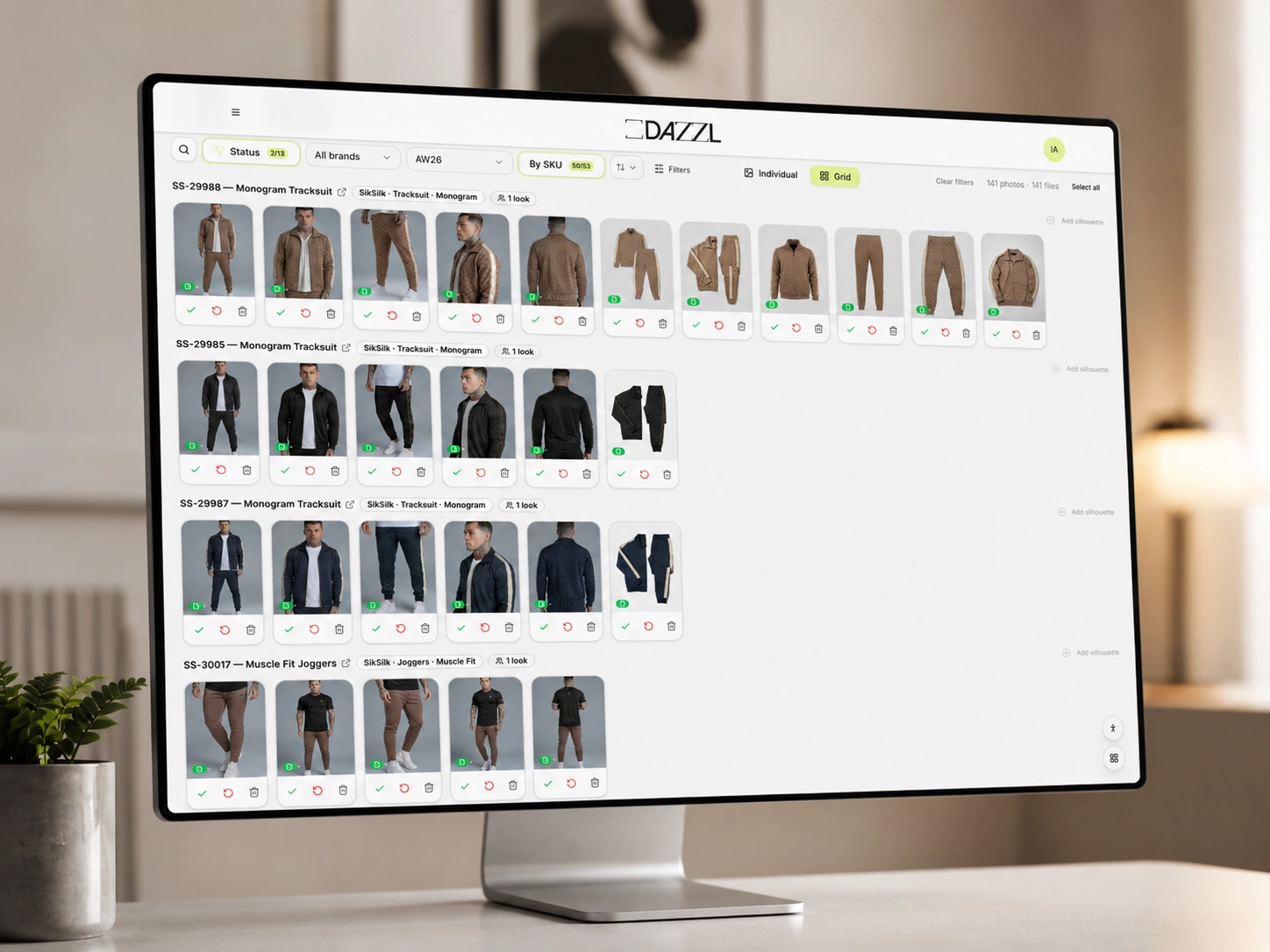
Capture
A trained operator uses the Dazzl app to capture structured source, color and detail references linked to each SKU.
Configure
Models, garments, poses, crop, lighting, styling and output rules are defined in an approved look.
Produce & QA
Dazzl generates, applies TrueSHADE and Detailer, then reviews and corrects results before client approval.
Approve & deliver
Approve, reject or comment. Approved images are prepared to your naming, size, ordering and delivery rules.
Move at the speed of your calendar.
Keep launches moving
Start production as soon as sources and looks are ready, without waiting for the next available studio date.
Skip the reshoot booking
Run new colorways and restocks through the same production workflow instead of organizing another shoot.
Test more directions
Produce approved variations of model, pose or setting for structured testing without a new shoot.
Respond while it matters
Shorten the path from a new product or creative direction to usable catalog imagery.
One catalog. Different market-ready looks.
From one captured product, configure different approved models, looks and styling for each market. The source data and brand rules stay connected to every variation, without organizing a separate regional shoot.
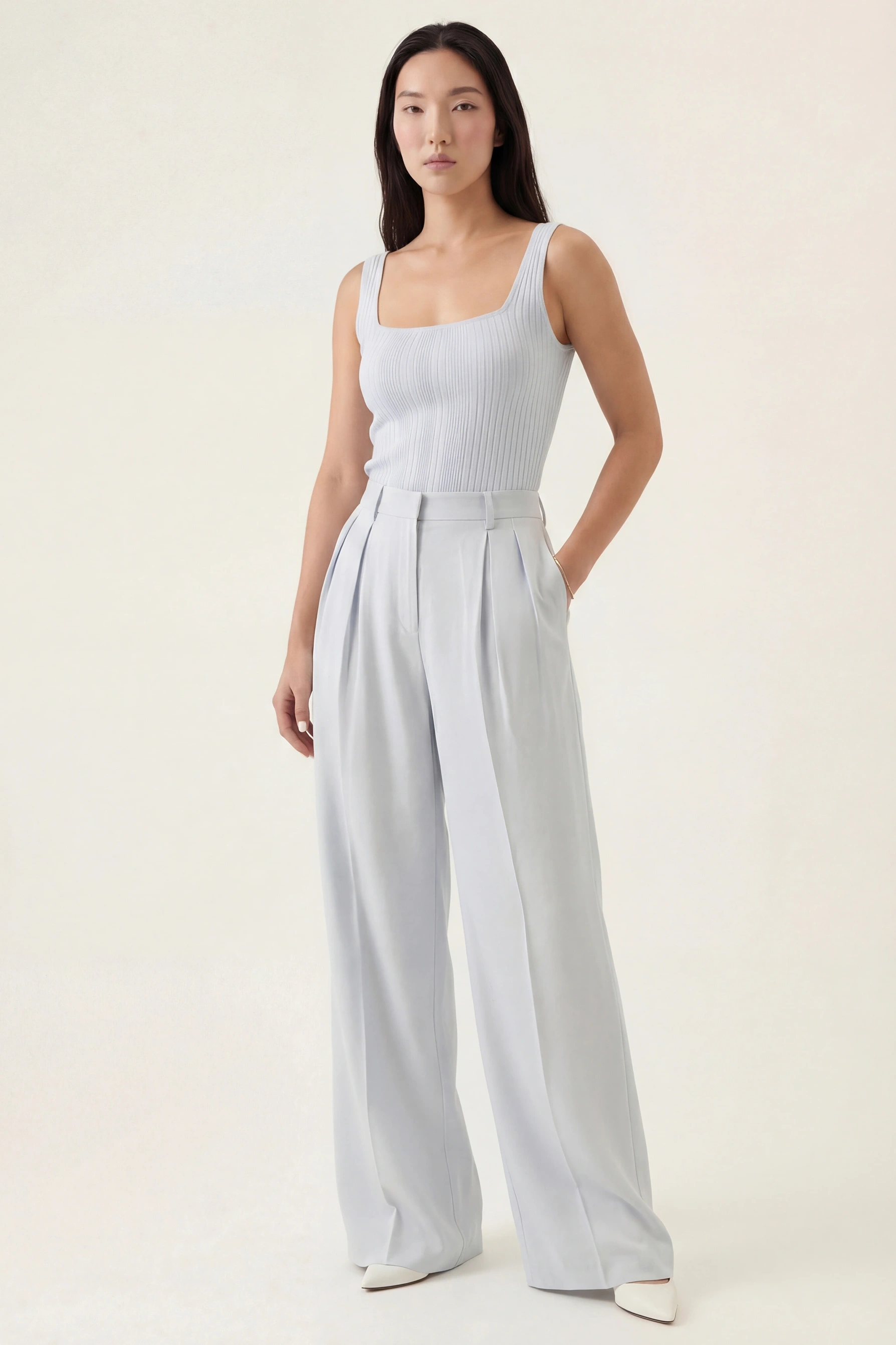
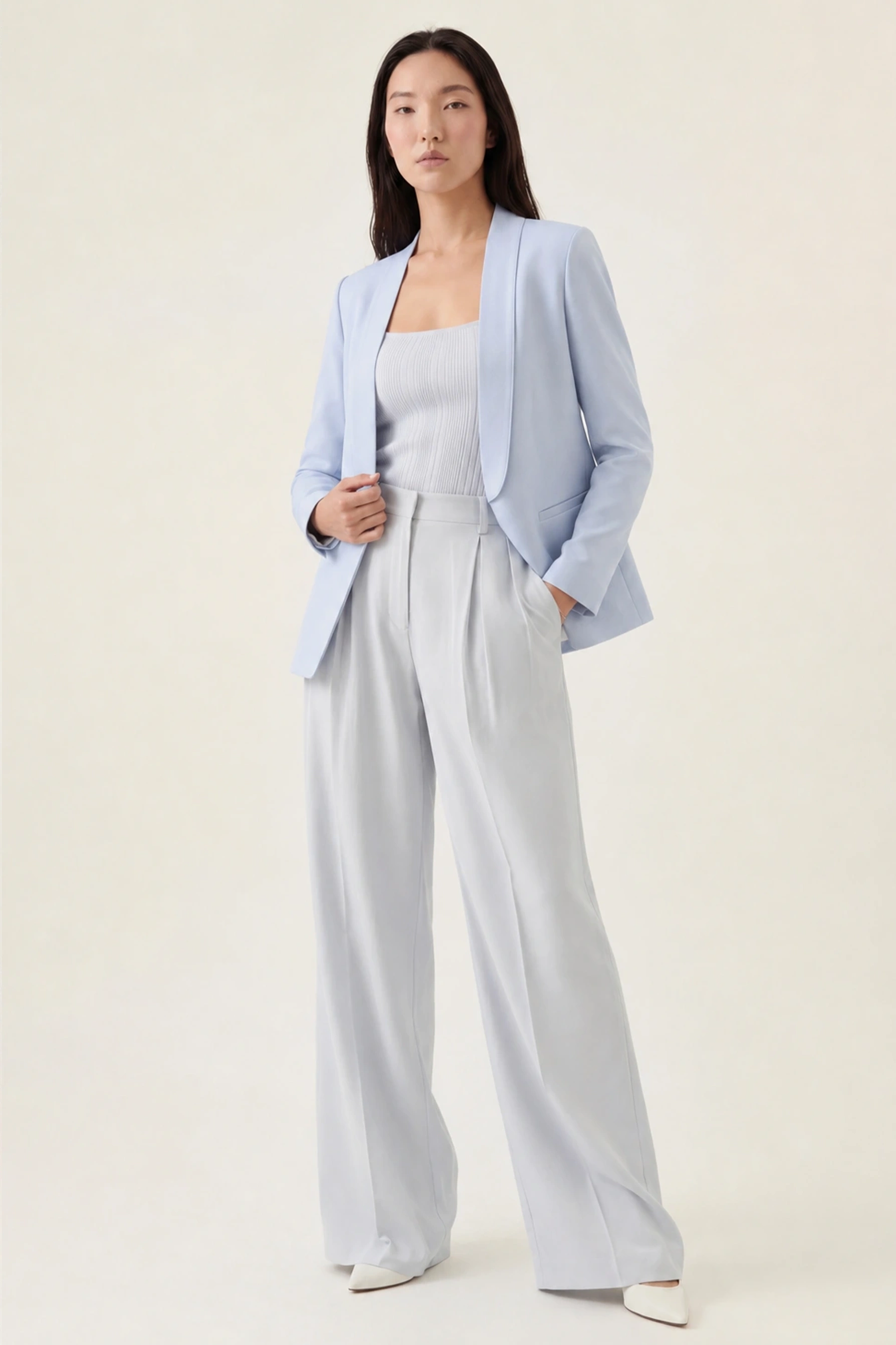
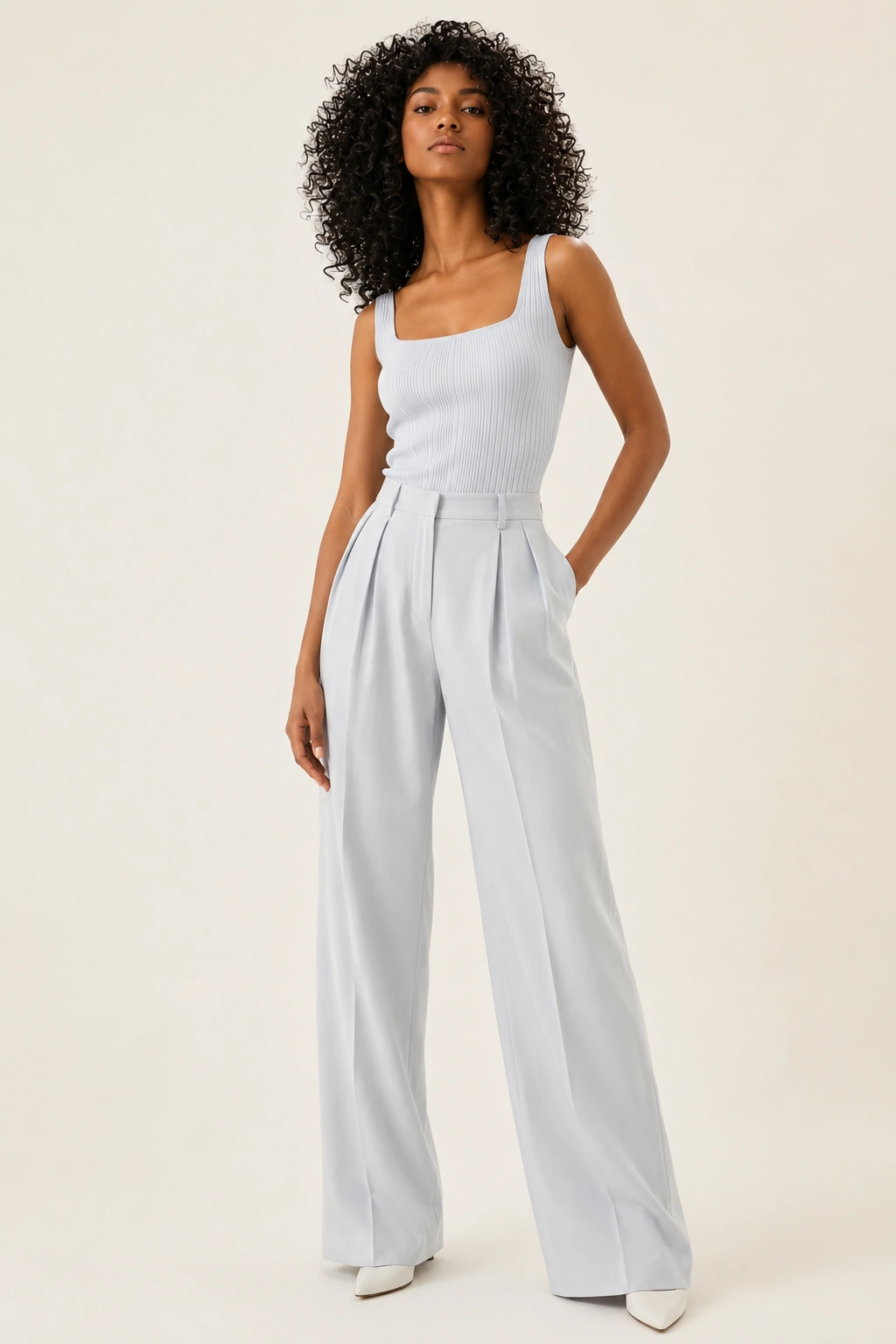
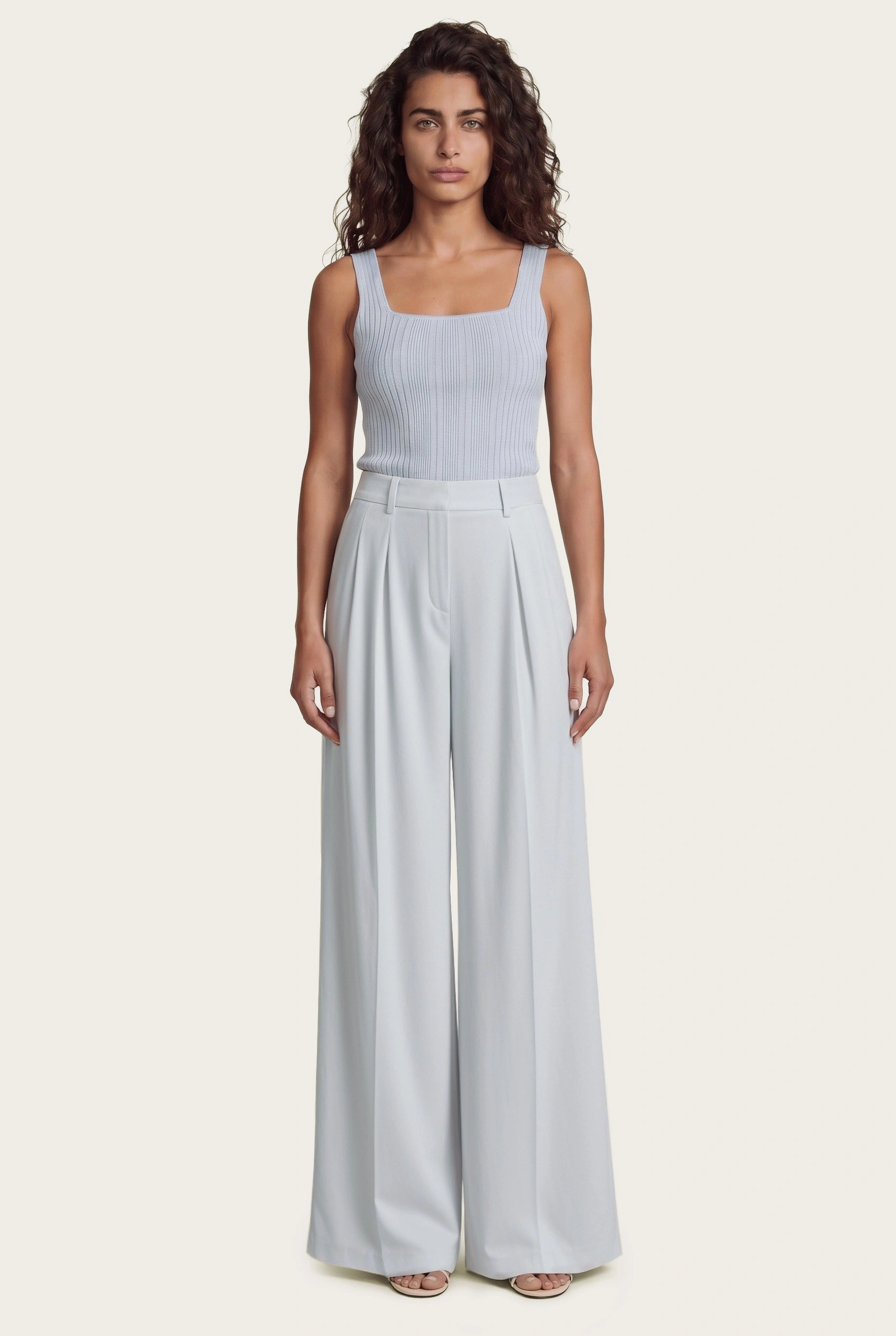
Generation is fast. Production moves faster when the handoffs disappear.
Dazzl does not stop when an image is generated. Capture data, catalog logic, approved looks, TrueSHADE, Detailer, human QA, feedback, file preparation and delivery stay in one flow. That is how AI speed becomes launch speed.
"The level of quality of the images. They are really, really amazing."